You deserve to live your best, most authentic life. That you've begun looking for a therapist means that you are already on your way to that life.
Being in therapy for many years myself, I've come to appreciate how empowering the therapeutic relationship can be when it works. I also know how frustrating it can be when it doesn't. My experiences in life and in therapy are what ultimately moved me to become a therapist and focus on helping others.
I believe that therapy can be a powerful tool in helping us find our path through the obstacles and challenges that life throws at us. Finding the right therapist to help you on that journey is important—whether or not that therapist is me, I want to help you find the best possible therapeutic relationship.
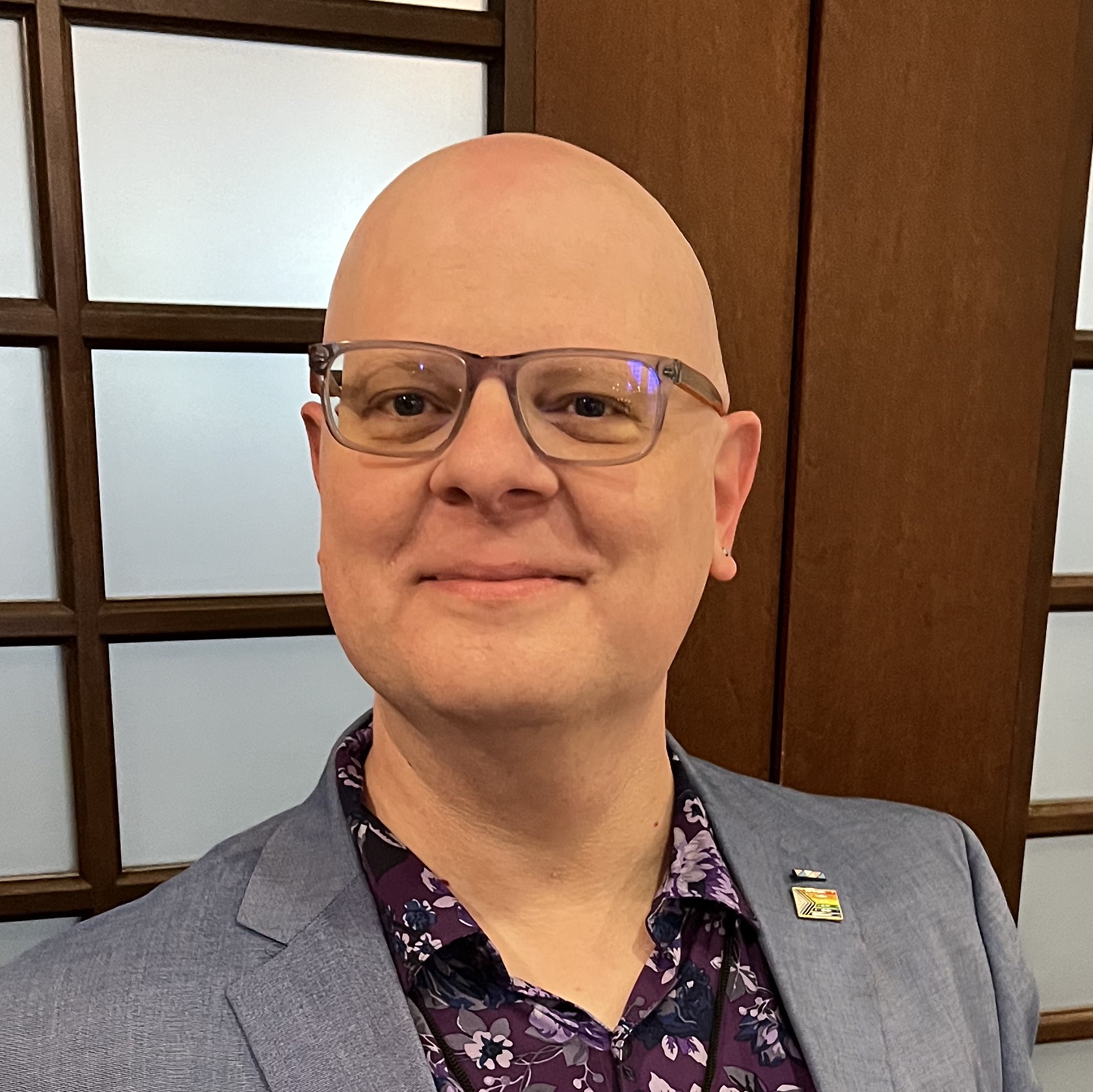

Contact Me for a Free Consultation
In the relationship between therapist and client, mutual trust and comfort is vital. Whether it's with me or with another therapist, it's important that you feel comfortable and supported.
As your therapist I work for you, so you should have a chance to interview me for the job. I offer free 30-minute phone or video consultations so you can see if we're a good fit. Also, based on this initial session, I may suggest a referral to another practitioner if I feel that they might be more helpful to you.